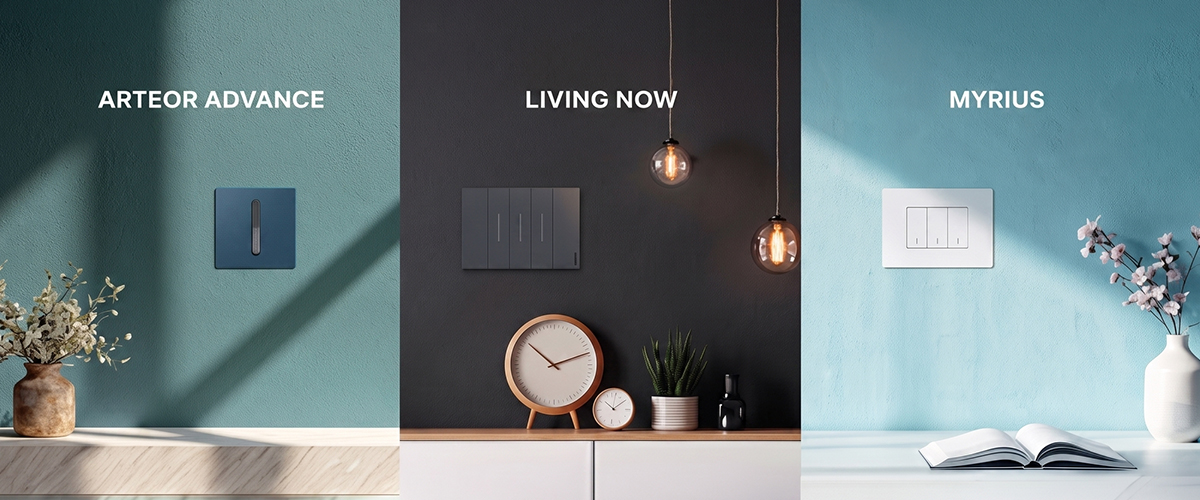

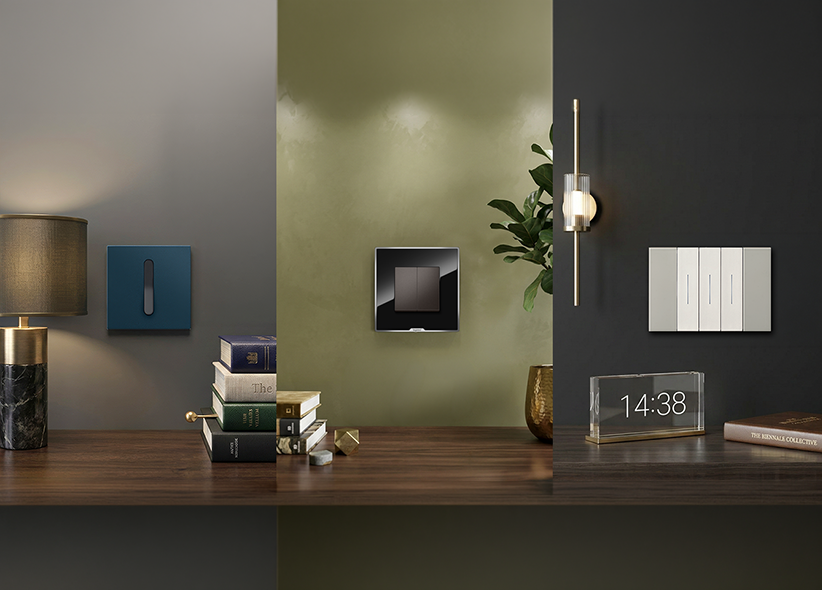
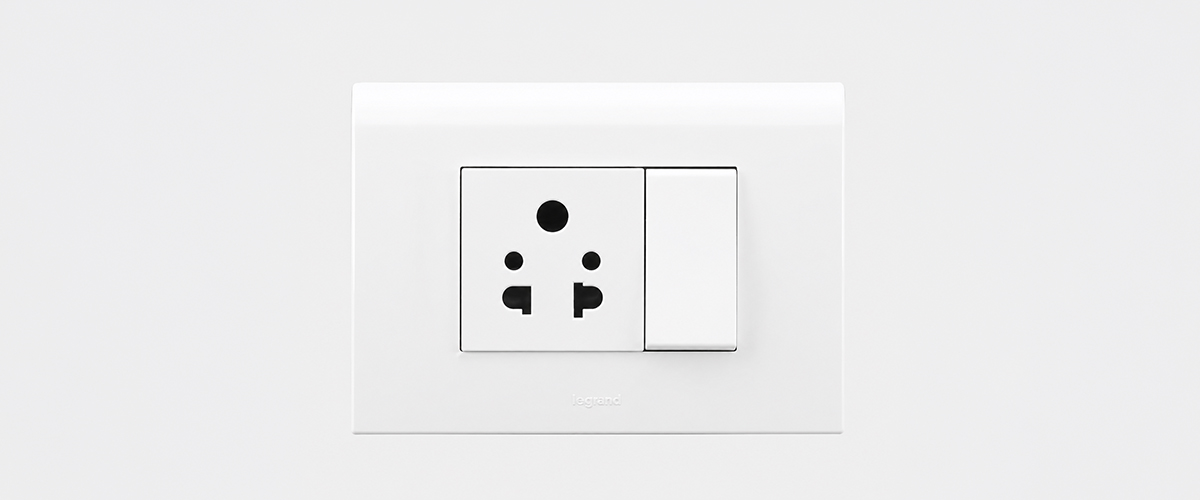
Curated Modular Switch Panels and Pop Up Boxes

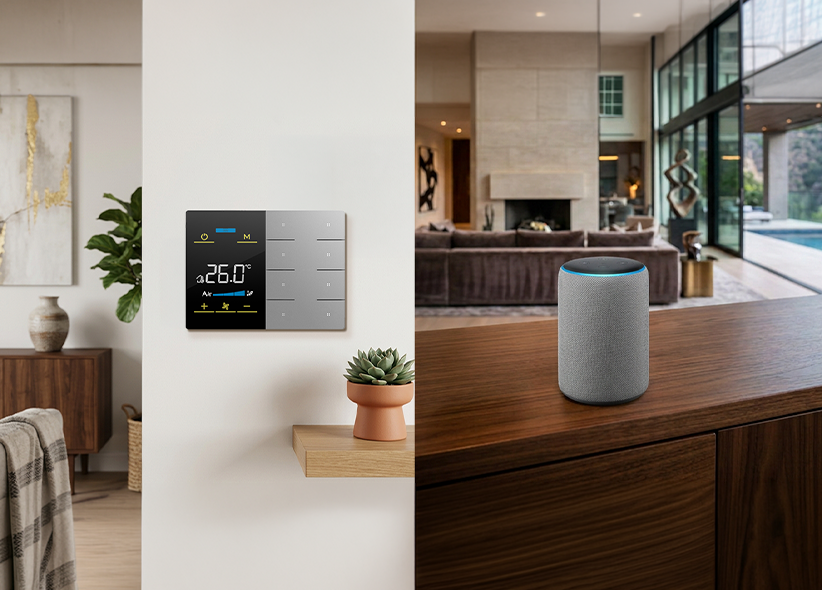
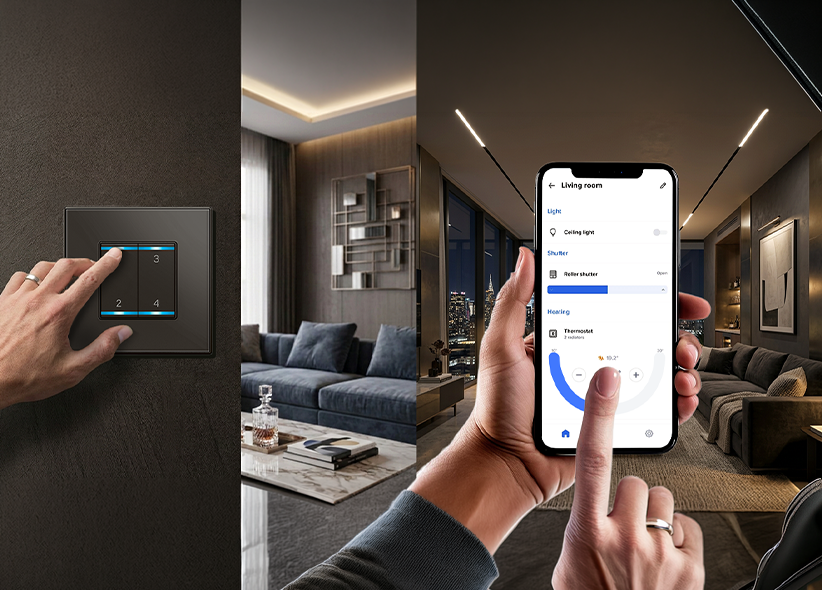
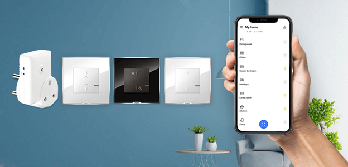
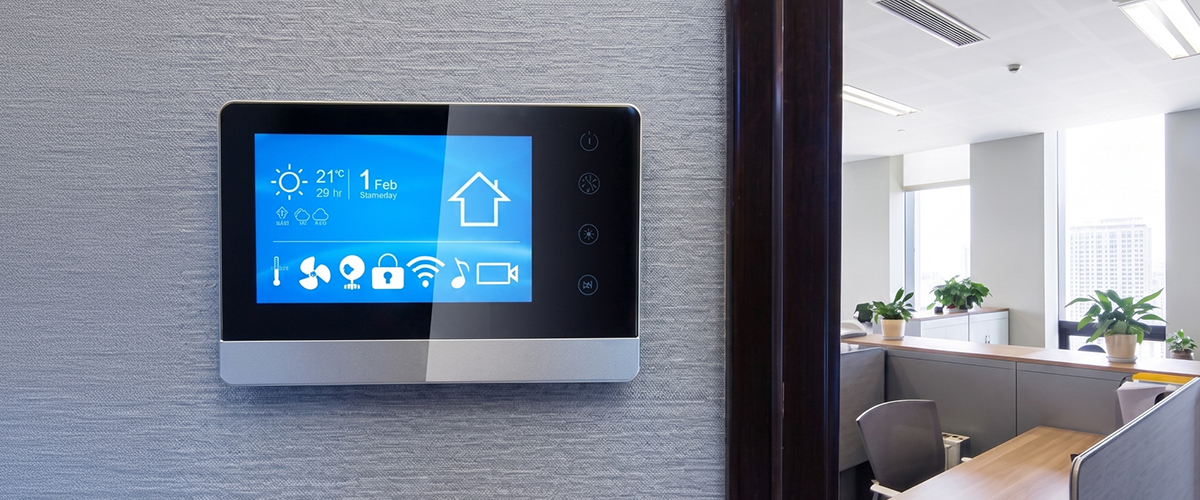
Range of accessories to enrich your living environment with enhanced IoT - based user


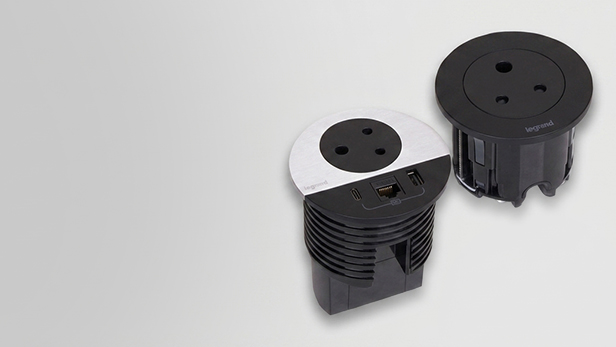
In the evolving landscape of modern workplaces, a desktop power center is an essential solution that integrates AC power, USB charging, and cable management into a single workstation hub. These desktop power hubs simplify charging while reducing cable clutter, making them ideal for conference tables and hybrid workspaces. By offering a streamlined approach to power management, USB-C enabled desktop power centers enhance productivity and organization in today’s dynamic work environments.
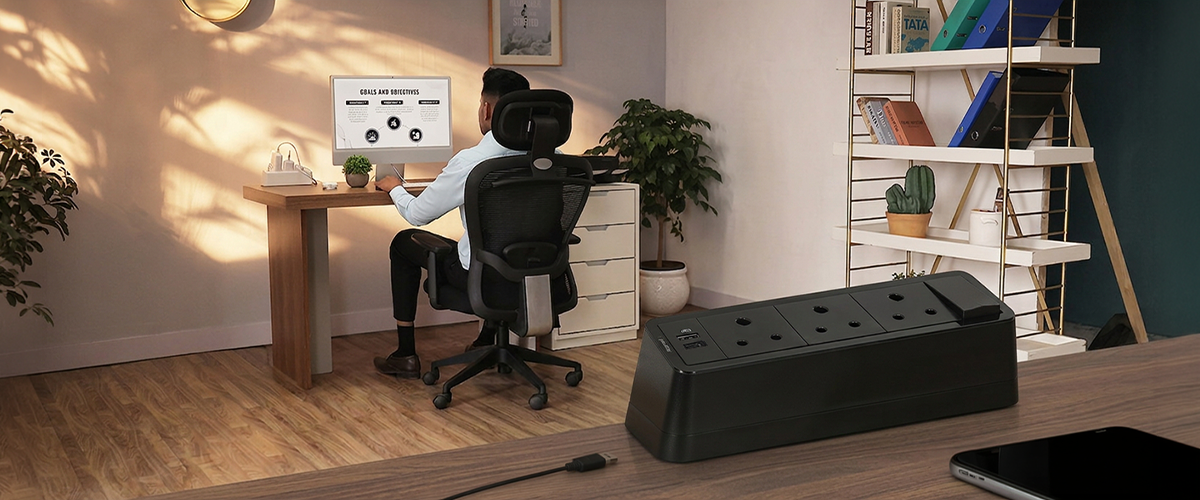
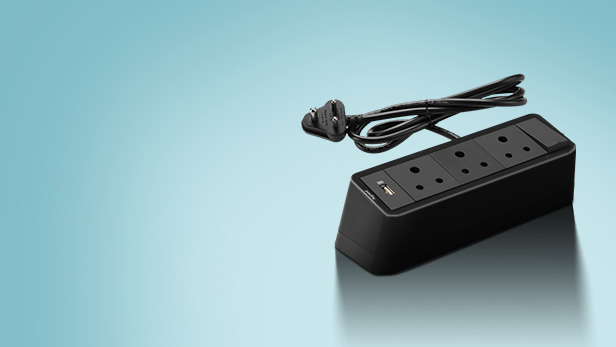
A desktop power center is an integrated workstation solution that combines AC sockets with optional USB-A and USB-C charging ports, along with cable management features, depending on the model to provide a comprehensive charging and power supply network. For more information on various options, visit Legrand Desk Solutions.
As offices increasingly adopt laptops, smartphones, tablets, and video conferencing devices, USB-C charging infrastructure has become vital. With the rise of shared workstations and hybrid work environments, USB-C Power Delivery technology improves charging efficiency and supports multiple devices simultaneously. This enables flexible work setups and prepares offices for future technologies, ultimately leading to a more streamlined and efficient workplace.
The hybrid working model has led to employees bringing more connected devices to the office. As a result, there is a pressing need for centralized charging solutions that can support multiple devices at once, ensuring seamless workflow and minimal downtime.
Previously, traditional desk-mounted power sockets and extension boards were the norm in office setups. However, the evolution towards integrated desktop power hubs is reshaping this landscape. These modern solutions combine power outlets, USB charging, and cable management into a single device, offering enhanced functionality and design that meets contemporary workspace demands.
Modern desktop outlet hubs come equipped with several key features that significantly improve workplace productivity, organization, and electrical safety.
USB-C Power Delivery (PD) enables higher power output and faster charging for compatible laptops, tablets and smartphones. This versatility makes the desktop outlet hub a crucial component in smart office environments.
Selected desktop power centers are available with universal or region-specific socket configurations, depending on the product model.
Integrated cable management systems reduce clutter and enhance desk organization, resulting in cleaner and more professional workspaces that improve focus and productivity.
Depending on the model, desktop power centers may include features such as overload protection and surge protection while complying with relevant safety standards.
Various types of desktop power centers are available; each tailored for specific office environments and needs.
| Type | Best For | Installation Method |
|---|---|---|
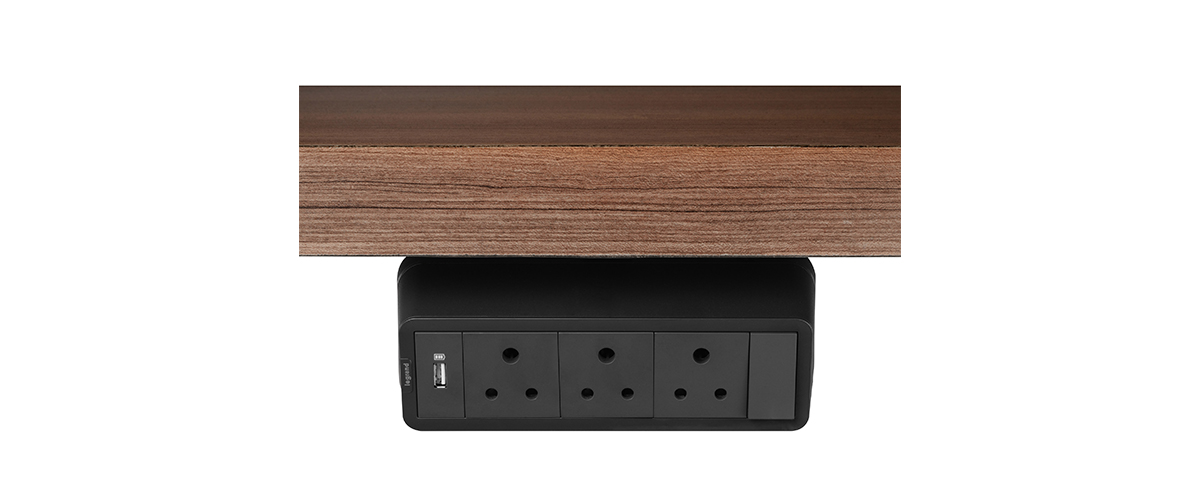
| Clamp Mounted | Individual workstations | Easy to install; attaches securely to desk edges. |
| Grommet Mounted | Modern desks with pre-drilled holes | Permanent installation through a desk grommet; provides a clean and sleek appearance. |
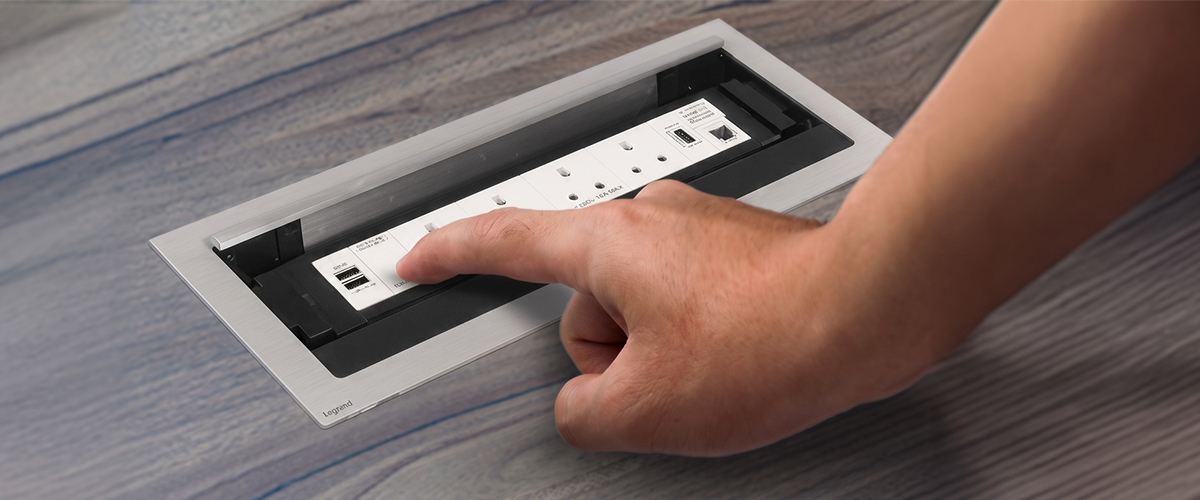
| Pop-Up Units | Conference tables | Installed flush with the tabletop; pops up for convenient access when needed. |
Portable desktop power hubs are flexible solutions ideal for coworking spaces, training rooms, and hot-desking environments. Their mobility allows for easy relocation, accommodating varying user needs.
Modern meeting rooms require seamless access to power for laptops, smartphones, tablets, and conferencing equipment. A conference table power socket eliminates cable clutter while ensuring participants can stay connected throughout meetings. Available with combinations of AC sockets, USB-A ports and USB-C Power Delivery ports, depending on the selected configuration, these solutions improve collaboration, support hybrid meetings, and create a cleaner, more professional workspace. Businesses increasingly prefer integrated conference table power modules over traditional extension boards because they offer better cable management, improved safety, and premium meeting room experience.
Pop-up conference table power sockets remain hidden beneath the tabletop when not in use, preserving a clean conference room appearance while providing instant access whenever required. Fixed conference table power modules remain permanently accessible, making them ideal for meeting rooms with continuous device usage. Both options are available with AC sockets, USB-A, USB-C charging, and data connectivity, allowing multiple users to charge laptops, smartphones, and tablets simultaneously. Pop-up modules are preferred for executive boardrooms due to their elegant appearance, whereas fixed modules suit training rooms, collaboration areas, and shared workspaces where accessibility is a priority. Choosing the right module depends on table design, installation requirements, user capacity, and future expansion needs. Explore Legrand's conference table power socket solutions at https://www.legrand.co.in/cable-management-systems/desk.
Desktop power centers that combine AC outlets with USB-C Power Delivery enable multiple participants to charge devices simultaneously without relying on extension boards. This improves productivity, reduces cable clutter, and supports uninterrupted collaboration during presentations, video conferences, and brainstorming sessions.
The desktop power center price depends on several factors, including USB-C Power Delivery capacity, the number of AC power sockets, USB-A and USB-C charging ports, installation style, cable management features, safety certifications, and overall build quality. Premium desktop power hubs designed for executive workstations and conference rooms often include faster charging, universal socket compatibility, surge protection, modular installation, and integrated data ports. Products with better aesthetics, higher power output, longer warranties, and internationally certified safety standards generally cost more but deliver greater reliability and long-term value for modern offices.
Selecting the best desk power solution requires careful consideration of office requirements, device usage, and charging needs. Here’s a handy checklist:
Choose adequate USB-C Power Delivery wattage for your laptops and mobile devices.
Select the required number of AC power sockets.
Ensure sufficient USB-A and USB-C charging ports.
Verify built-in surge protection and overload protection.
Verify compliance with applicable BIS requirements and relevant IEC standards, where applicable.
Review the manufacturer's warranty and after-sales support.
Select the appropriate installation method (Clamp, Grommet, or Pop-Up).
Consider future expansion requirements for additional devices.
Proper installation is crucial for safety and efficiency. Here are some practical tips:
Desk-mounted installations provide a permanent solution, while plug-and-play setups offer flexibility and easy relocation. The choice depends on your specific requirements and office layout.
Overloading sockets
Poor cable management
Selecting insufficient USB-C wattage
Incorrect installation
Purchasing uncertified products
| Criteria | Desktop Power Center | Traditional Power Extension |
|---|---|---|
| Safety | High (model dependent) | Varies, often lower |
| Cable Management | Integrated cable management solutions | Poor cable organization |
| USB-C Charging | Available on supported models | Not available |
| Appearance | Modern and sleek design | Often bulky and unattractive |
| Productivity | High | Low |
| Installation | Can be permanently installed | Simple plug-and-use setup |
| Expandability | Varies by product configuration | Limited |
| Long-Term Reliability | High | Varies by product quality |
Smart office infrastructure is rapidly evolving as workplaces adopt USB-C as the universal charging standard. Future desktop power centers are expected to support higher USB-C Power Delivery capacities, improved connectivity and intelligent workplace management. Businesses are also investing in energy-efficient power systems, modular furniture integration, and intelligent power monitoring to improve sustainability and operational efficiency. As hybrid work continues to grow, desktop power hubs with advanced charging capabilities, better cable management, and scalable connectivity will become an essential component of future-ready office environments.
Organizations are increasingly replacing conventional extension boards with integrated desktop power centers to streamline operations, improve user experiences, and prepare for future infrastructure needs.
Uninterrupted charging minimizes downtime, enhancing employee efficiency and overall productivity.
Integrated charging solutions and a cleaner workspace contribute to employee comfort and convenience.
Centralized power management leads to reduced cable clutter, easier maintenance, and improved organization.
USB-C desktop power centers are designed to support future office technologies, accommodating higher-power laptops and expanding workplace requirements.
USB-C-enabled desktop power centers have become an essential part of modern smart offices by combining fast charging, organized cable management, improved workplace safety, and flexible connectivity into a single integrated solution. Whether you're upgrading individual workstations or equipping conference rooms, investing in a future-ready desktop power hub helps improve productivity while supporting the growing number of connected devices in today's hybrid workplaces. Explore Legrand's complete range of desktop power solutions to build safer, smarter, and more efficient workspaces. Learn more at Legrand.
A desktop power center is an integrated workstation solution that combines AC sockets, USB-A, USB-C ports, and cable management features to provide a comprehensive charging and power supply network.
Integrated charging, cable management, and easy power access reduce downtime and improve efficiency, allowing employees to focus on their tasks without interruptions.
Yes, USB-C Power Delivery supports charging for compatible laptops, tablets and smartphones, subject to the power requirements of the connected device and the output rating of the desktop power center.
Pricing varies based on features such as charging capacity, ports, safety certifications, installation type, and build quality, but specific prices are not mentioned.
Yes, certified products that are installed correctly and include appropriate safety features for the selected model.
Select USB-C Power Delivery based on your devices, including laptops, tablets, smartphones, and future office charging requirements.
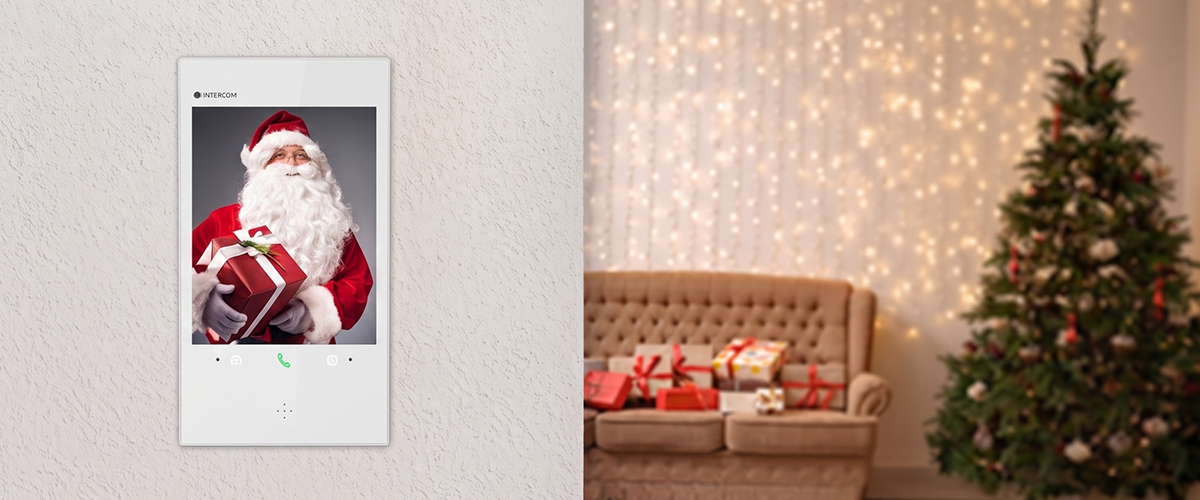
Upgrade your holiday security with a wireless video door phone this Christmas – enter 2025 with a secure home
READ SMART SPACE













 Eliot
Eliot LDCS
LDCS



 Residential
 Commercial
 Hospitality
 Industrials






 Data Center Solutions
 Hyperscale data centers